Obtain Watch Data
How to develop Api
You need to develop a Web API program using the HTTP protocol. After deploying your API program, you should have an API address (URL), which will be the address where the device uploads data. This API receives data uploaded by the watch, parses it, and processes the data according to your business needs. Please refer to the API sample program we provide for API development. The download link for the sample program is provided below. Just compile the smaple program and deploy to your server, then it’s ready to accept watch uploading data.
API Sample Program
Java API(springboot): Java sample download
Golang API(echo): Go sample download
Python API(flask): python sample download
c# API(asp.net): c# sample download
php API(lumen): php sample download
The API sample program includes six APIs: 1. for the device to upload health data; 2. for the device to upload alarms. 3. for device upload sos and call log data; 4. for device upload hardware related info; 5. for platform upload device status change notify; 6. for device get sleep result; The device will only call these three APIs to upload device data. These API paths must end with /pb/upload /alarm/upload /call_log/upload /deviceinfo/upload /status/notify /health/sleep, with the same preceding path, e.g.
http://xxx.dev.com/4g/pb/upload
http://xxx.dev.com/4g/alarm/upload
http://xxx.dev.com/4g/call_log/upload
http://xxx.dev.com/4g/deviceinfo/upload
http://xxx.dev.com/4g/status/notify
http://xxx.dev.com/4g/health/sleep
First 3 api must be implemented,the remains are optional,choose to implement by your needs。
Important Notes
The actual MIME type for data uploaded by the device is application/octet-stream, but the Content-Type set in the HTTP Header is application/x-www-form-urlencoded. Therefore, if your API program parses data according to the Content-Type set in the HTTP Header, it will fail to parse the HTTP content correctly. If you cannot modify this logic, you need to configure a web server, such as Nginx or Apache, to change the Content-Type of requests forwarded to this API URL to application/octet-stream. The java sample provided above need config a web server to set Content-Type, other sample api no need to do this. For more technical questions about API development, please refer to this document apifaq
Data Format
The format of the uploaded data package is iwown’s custom format, as follows
header |
field |
type |
notation |
|---|---|---|---|
prefix |
uint8[2] |
Packet identifier, fixed to 0x4454 |
|
length |
uint16 |
Data(payload)Length |
|
crc |
uint16 |
CRC checksum of payload |
|
opt |
uint16 |
payload’s protocol encoding |
|
payload |
data |
uint8[] |
Data Content,protobuf format |
opt definition you may use:
0x80 All Health Data
0x0A current step/distance/calorie;GNSS Data
0x12 Device Alarm
The data uploaded by the device is composed of one or more data packets spliced together. The data uses the little endian mode.
proto file of upload data definition:
proto file is only used to generate protobuf type code, only a few of them are used by you, please refer to the sample api data analysis section for specific data types and meanings.
Test Your API
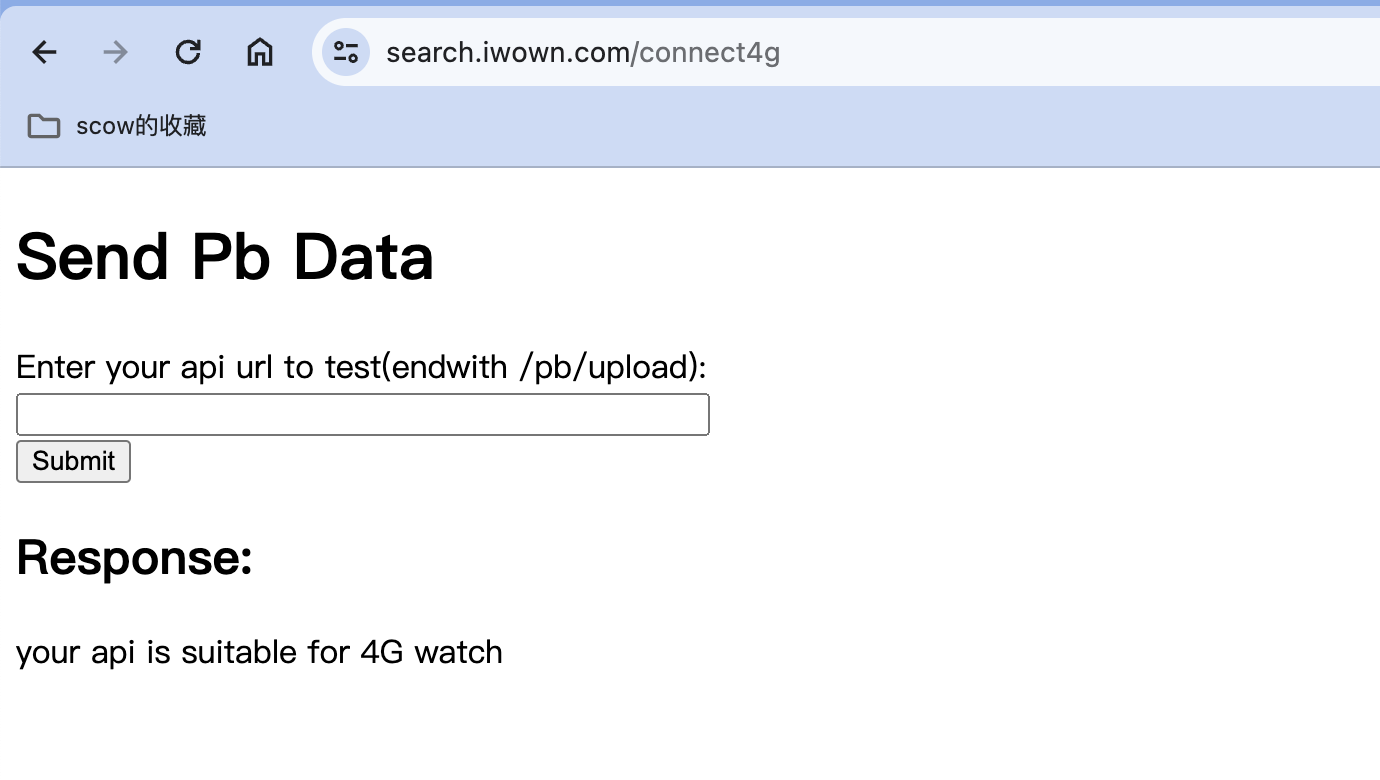
visit the test tool here: API test pleaes input your api url endwith /pb/upload for test url,e.g. http://xxx.dev.com/4g/pb/upload
Success
Fail
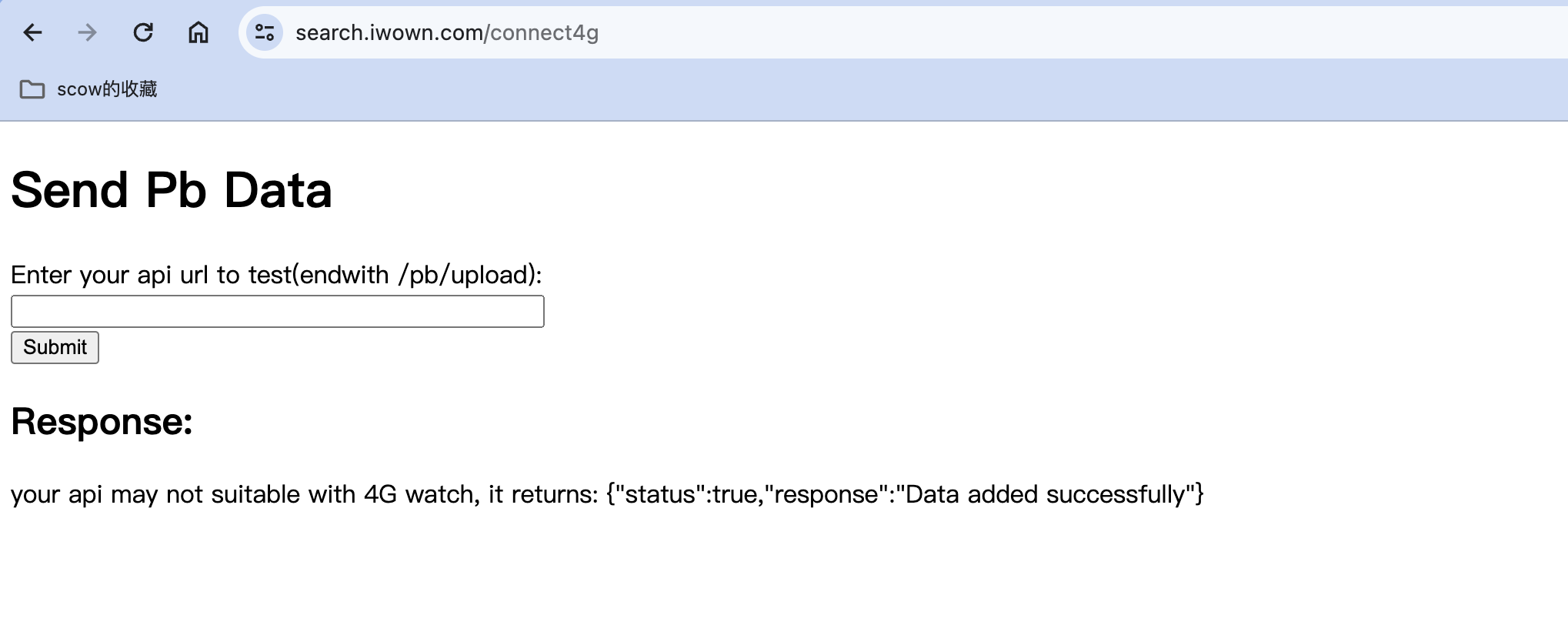
This test tool is based on the API return protocol test accepted by our watch. Under normal condition, the API should return 0x00
Modify Url that watch upload data
After deploying your API, you need to modify the watch data upload address to your API url. We provide an Android app to modify the url. The app connects to the watch via Bluetooth and writes the upload url. app download address: app
app usage doc: app doc
app usage video: app video
How to Send Commands to the Watch
Commands can be sent via the entservice service. For the entservice service, refer to the documentation on Device Feature. entservice document- entservice